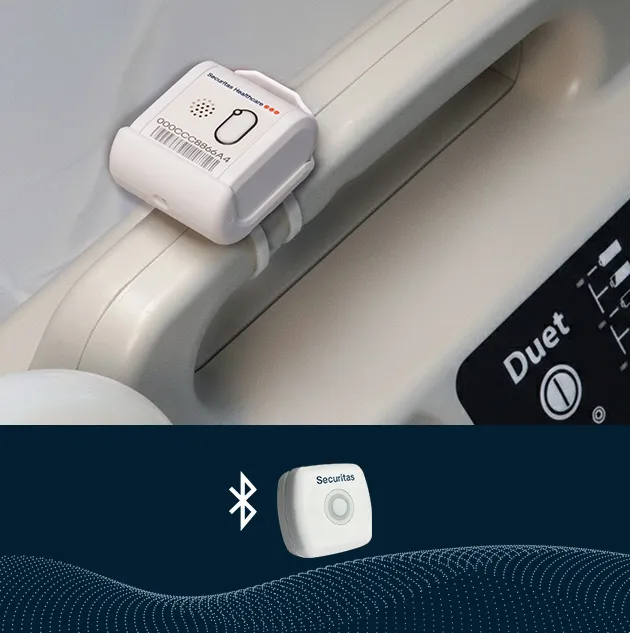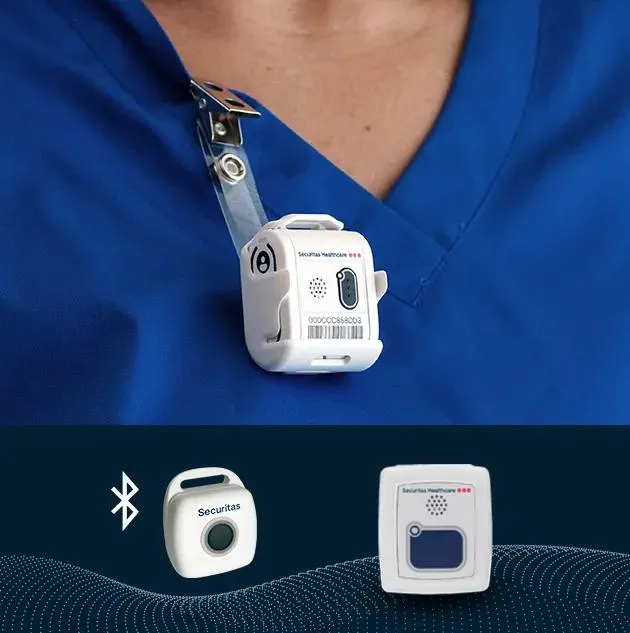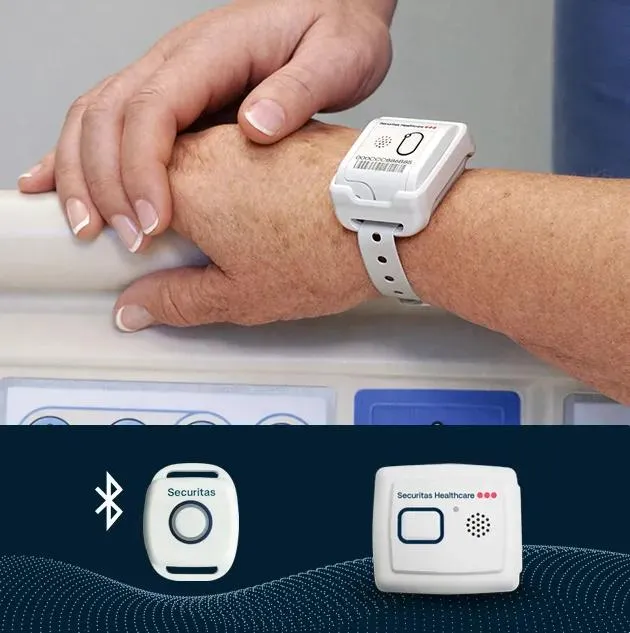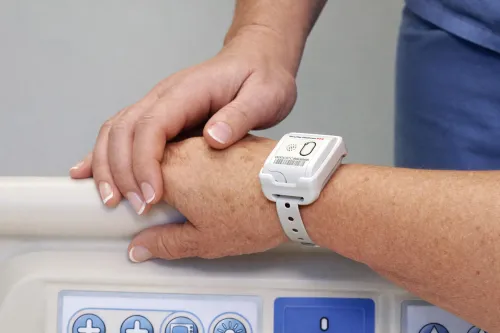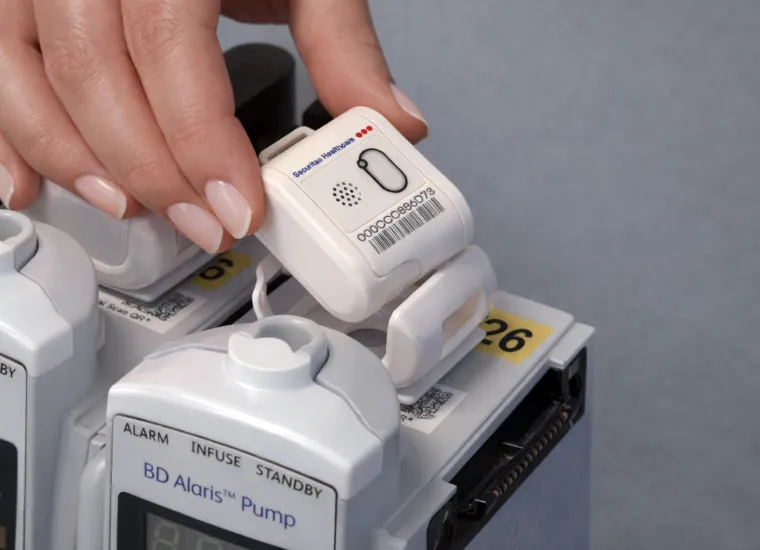
Modern RTLS tag technology helps support more efficient operations, easier fleet management, and a stronger foundation for future visibility needs. With fewer touchpoints to manage, the T12sb changes what your team can do.
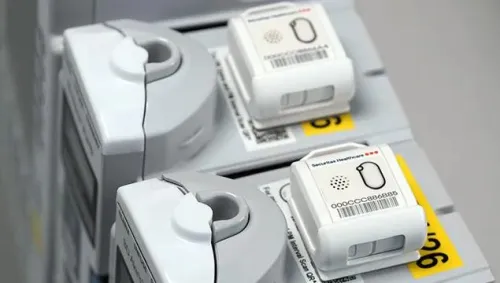

Spend less time managing aging tags
Modern RTLS tag technology helps support more efficient operations, easier fleet management, and a stronger foundation for future visibility needs. With fewer touchpoints to manage, the T12sb changes what your team can do.

Commercially available batteries and faster swaps reduce time spent maintaining tags.

Bi-directional communication enables over-the-air setup and configuration through MobileView.
Streamlined activation makes rolling out tags more efficient across large fleets.

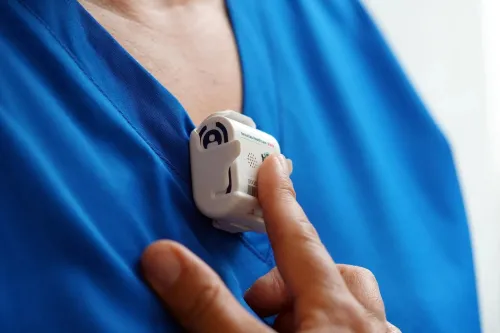
Audio, visual, and vibration features support faster response and asset location.

Standardizing on T12sb supports long-term compatibility and platform evolution.
Looking Beyond Asset Management?
T12sb tag options are also available for patient and staff-focused workflows. See how your organization can align additional RTLS use cases with a modernized tag platform.
T12sb helps healthcare organizations get more from their existing asset management system with improved visibility, easier maintenance, and faster equipment location.

Replace batteries in seconds—not minutes reducing maintenance time and tag downtime.
Reduce maintenance effort with over-the-air updates and a replaceable battery.
Support clinical environments with a durable, easy-to-clean IP66-rated design.
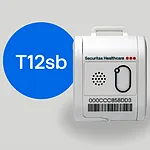
What changes with T12sb
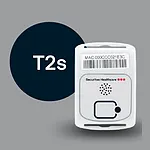
| 
| |
|---|---|---|
| SKUs | TAG-1200SB-CT TAG-1200SB-CUT- (Ultrasound) | TAG-2320-C TAG-2330-CU-G1 TAG-2330-CU-G2 |
| Battery replacement | Easy | Difficult |
| Battery life (with Ultrasound) | 18 months | 18 Months |
| Bi-directional sync | ✓ | |
Central management | ✓ | |
| Waterproof | ✓ | ✓ |
| Firmware update over the air | ✓ | |
| Activation | Button | Detector device |
| Configuration | Deployment manager | Hardware manager |
| Root cert configuration | Deployment manager | |
| Secure tag message | ✓ | |
| Vibrate | ✓ | |
| LED | ✓ | ✓ |
| Tamper | ✓ |
The impact adds up
With the T12sb upgrading isn’t just about replacing hardware—it’s about reducing ongoing operational effort and cost.
Based on a 65,000 tag environment. Actual results vary by fleet size and configuration.
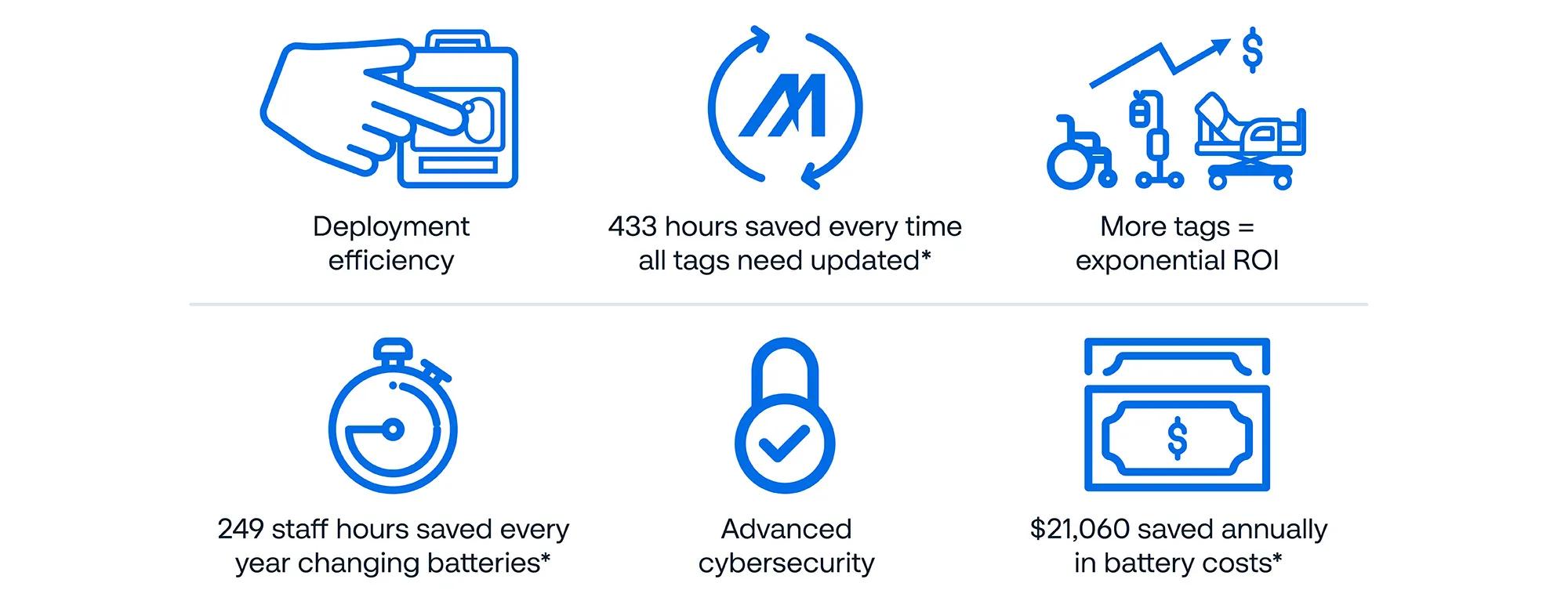
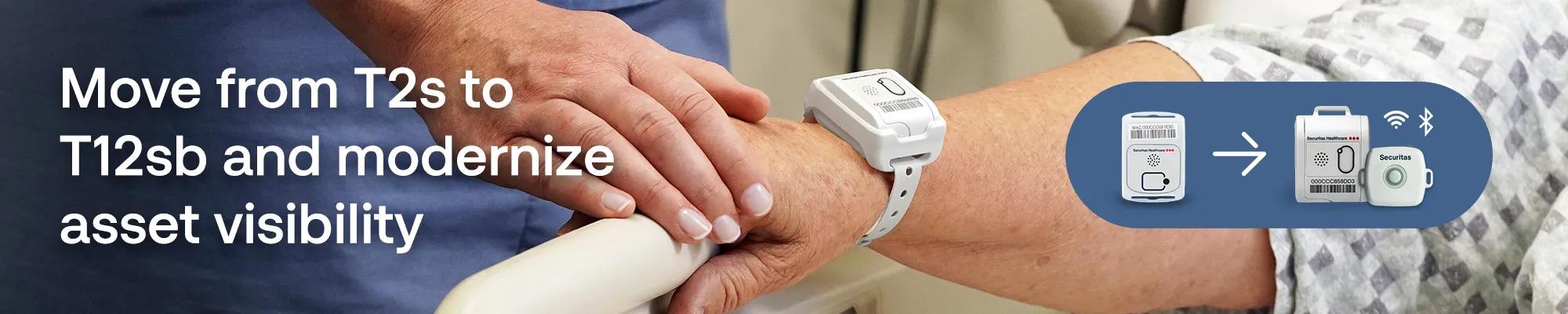
A focused approach upgrading your tags, without disrupting everyday operations.
Identify where T2s and T12s tags are currently used across your RTLS workflows.
Review MobileView compatibility and system requirements for the T12sb tag or BLE upgrades.
Determine which tag or badge option best fits each use case, environment, and infrastructure.
Build a practical upgrade plan around timing, quantities, stakeholders, and operational needs.
Start your tag upgrade today
Connect with our team to review your current fleet, estimate savings, and build a transition plan that fits your environment.